AI Face Swap Video for Adult Creators
Put your AI persona's face, or your own, onto a video up to 30 seconds long. No watermark, sound kept, ready in a minute at most. NSFW video face swap with one hard rule: the face has to be yours to use.
What is AI video face swap?
AI video face swap takes a face from a picture and places it onto the person in a video, frame by frame, so the face follows the head as it moves and the clip reads as one recording. For a creator it solves a specific problem: the clip is right, the face is not the one your subscribers pay for.
Mainstream video face swap tools are built for memes and refuse adult clips outright. FansCreator is built for adult creators, so an NSFW video face swap is processed like any other — as long as the face belongs to your AI persona, to you, or to a person whose consent you hold. For stills, use AI face swap for pictures.
One Face, Every Clip
Subscribers buy a person they recognize. Keep the same face across pictures and video.
NSFW Video Face Swap, No Refusals
Adult clips are swapped instead of rejected, blurred or quietly softened.
No Watermark
The swapped video comes back clean on every plan, the free plan included.
How AI video face swap works
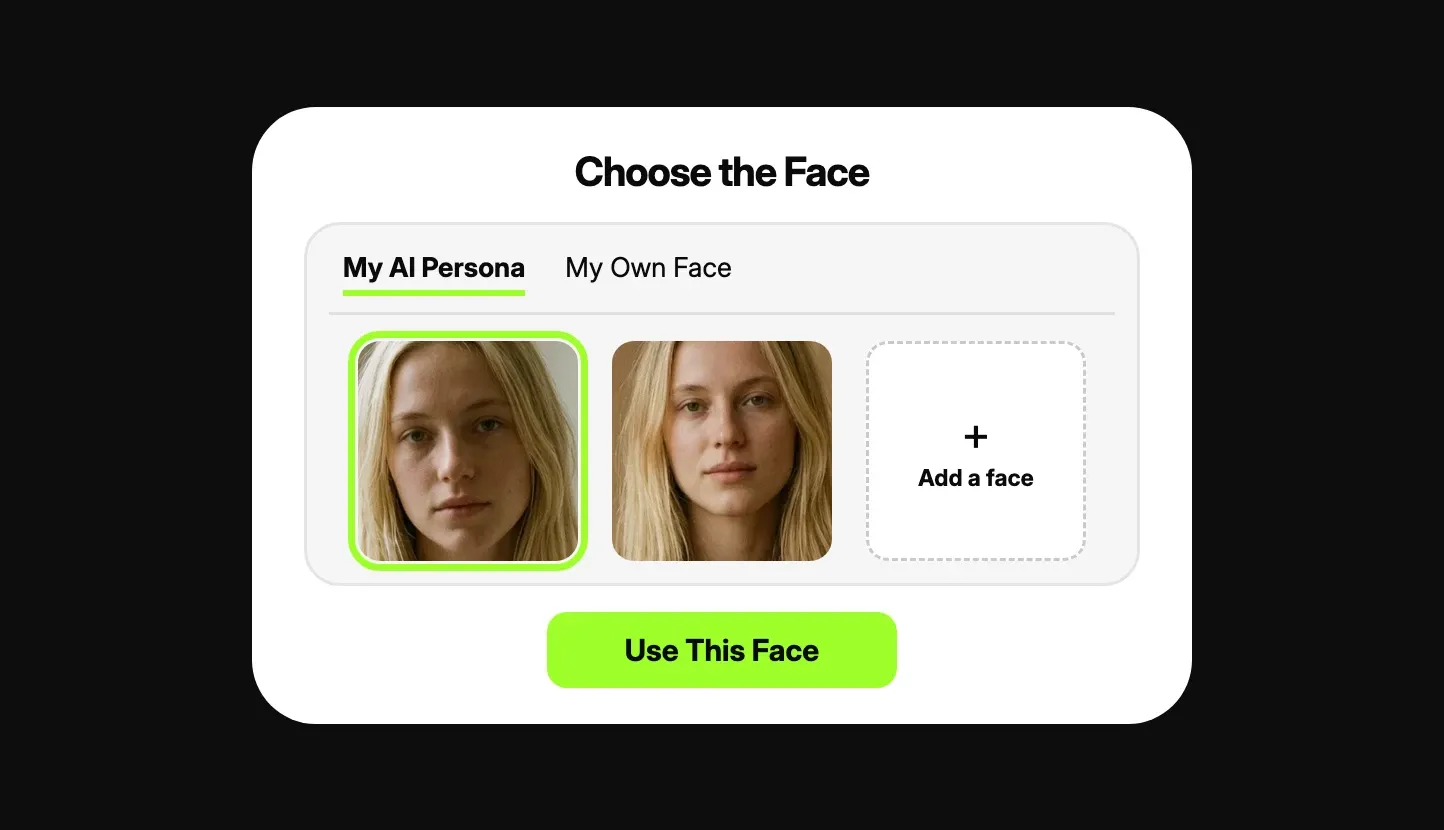
Choose the face
Your own face, for OnlyFans, or your AI persona's, for Fanvue or MYM. It has to be a face you are entitled to use.
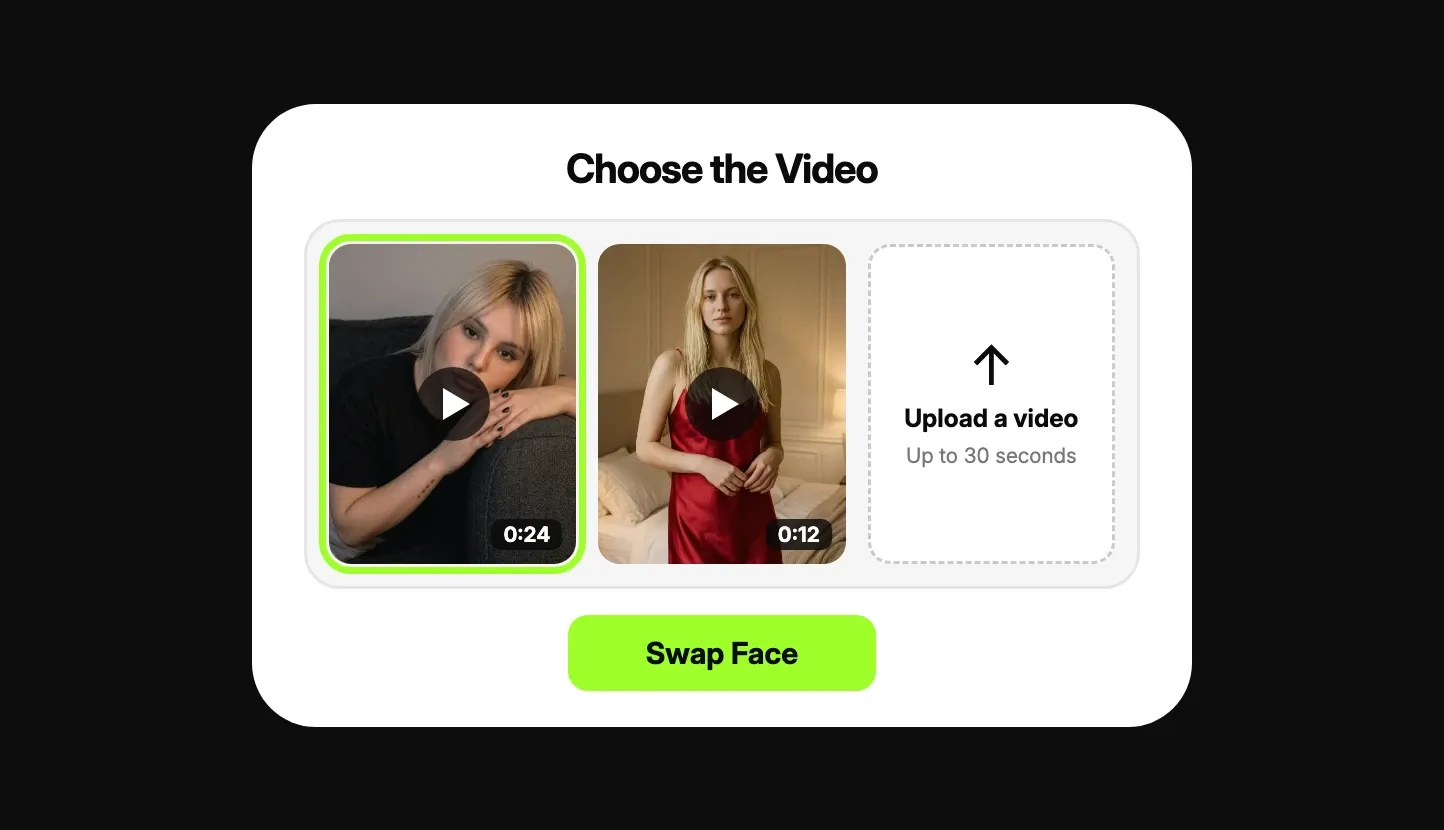
Choose the video
Upload your own video or pick a clip you generated in FansCreator. Up to 30 seconds, with one person in it.
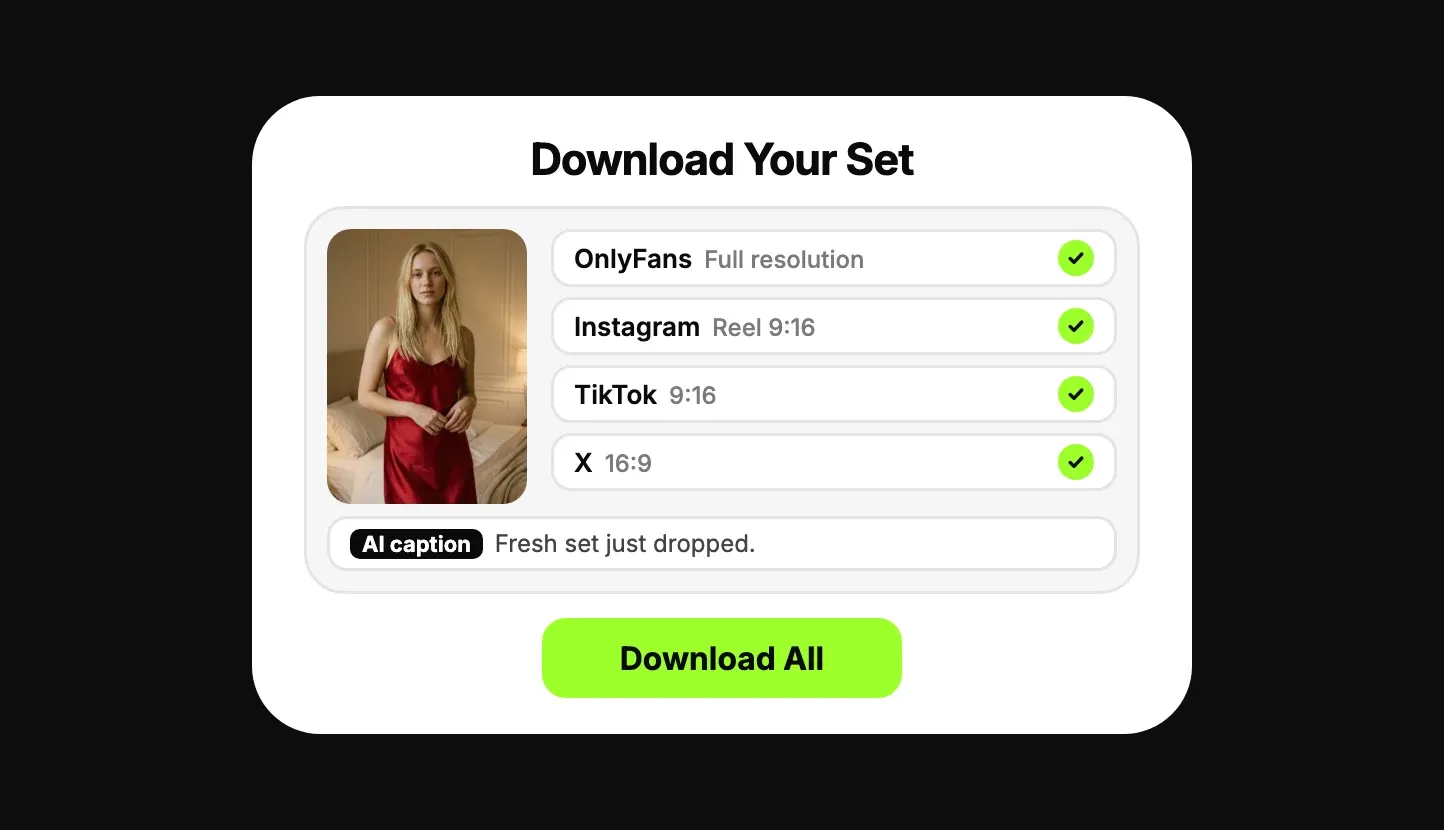
Swap and download
The swapped video is ready in a minute at most, with the original sound, formatted for OnlyFans, Fanvue and social platforms.
Video length, resolution and limits
A video can be up to 30 seconds long, on the free plan and on the paid plans alike. The free plan exports at 720p; paid plans go up to 1080p. No plan adds a watermark, and the original sound is kept.
Video face swap works on videos with one person in them. GIFs are not supported. How many swaps your credits cover depends on the model you choose and on the length of the video.
AI character swap for video: the whole person, not only the face
A face swap changes the face and keeps everything else. An AI character swap replaces the whole person in the video with your persona and keeps the scene. Use face swap when the body already matches; use character swap when it doesn't.
The same rule applies to both: the character you swap in must be your AI persona, you, or a person whose consent you hold. To make a clip from scratch instead, use the NSFW AI video generator.
Whose face you can swap
Allowed: the face of your own AI persona, your own face, and the face of a person who has given you consent that you can prove. Not allowed: anyone else. Putting a real person's face into sexual content without their consent is prohibited by our Terms of Use, is criminal in a growing number of countries, and gets the account closed. Any video of someone underage, or made to appear so, is prohibited.
The video you swap onto has to be yours as well. Where you can post the result depends on the platform. OnlyFans: only your own face, as the verified creator, labeled #ai or #AIGenerated. A persona's face does not clearly feature you, and the OnlyFans Help Centre lists content that "features heavily altered images" as content you cannot share. Fanvue allows face swaps if you verify the real model behind the AI. MYM allows a deepfake of a real person only with that person's written permission. Fansly does not allow face-swapped content at all, even labeled. The OnlyFans clauses are quoted on our OnlyFans AI content policy page.
Same Face. Every Clip.
Choose the face, choose the video, swap. Free plan, no card required.
AI Video Face Swap FAQ
Is there a free AI video face swap?
Yes. Video face swap is on the FansCreator free plan, with no card required and no watermark. The free plan exports at 720p; paid plans go up to 1080p.
How long can the video be?
Up to 30 seconds, on every plan.
Does the swapped video have a watermark?
No. No plan adds a watermark, the free plan included.
Is there an NSFW video face swap that doesn't refuse adult clips?
Yes. FansCreator swaps faces on adult videos without refusing, provided the face is your AI persona's, your own, or that of a person whose consent you hold.
Can I swap a celebrity's or another person's face into a video?
No. Swapping a real person's face into content without their consent is prohibited here and illegal in a growing number of countries. There are no exceptions for public figures.
Can I use my own video?
Yes. Upload your own video or pick a clip you generated in FansCreator.
Does it work on a video with several people, or on a GIF?
Video face swap works on videos with one person in them. GIFs are not supported.
Is the sound kept?
Yes. The swapped video keeps the original sound.
How long does a video face swap take?
A minute at most.
Can I swap the whole person, not only the face?
Yes. Character swap works on video too: it replaces the whole person in the video with your persona.
Can I post face-swapped video on OnlyFans?
Only with your own face, as the verified creator, on a video that is yours, labeled #ai or #AIGenerated. A persona's face does not clearly feature you, so that content goes on Fanvue, with the real model behind it verified, or on MYM. Fansly bans face-swapped content even when it is labeled. The rules are quoted on our OnlyFans AI content policy page.
Can I swap faces in pictures too?
Yes. Use AI face swap for pictures.