Prompt. Post. Profit.

Create AI OnlyFans Content the Easy Way

AI-powered content creation made ridiculously simple for every AI OnlyFans creator and OFM agency.

2M+
AI OnlyFans Assets Generated
1k
Active OnlyFans AI Creator Accounts
3min
To Train Your AI OnlyFans Model
Wan 3.0Fully AI avatar

OnlyFans AI generator on the newest models

Images and videoUnrestricted

Realistic AI OnlyFans content

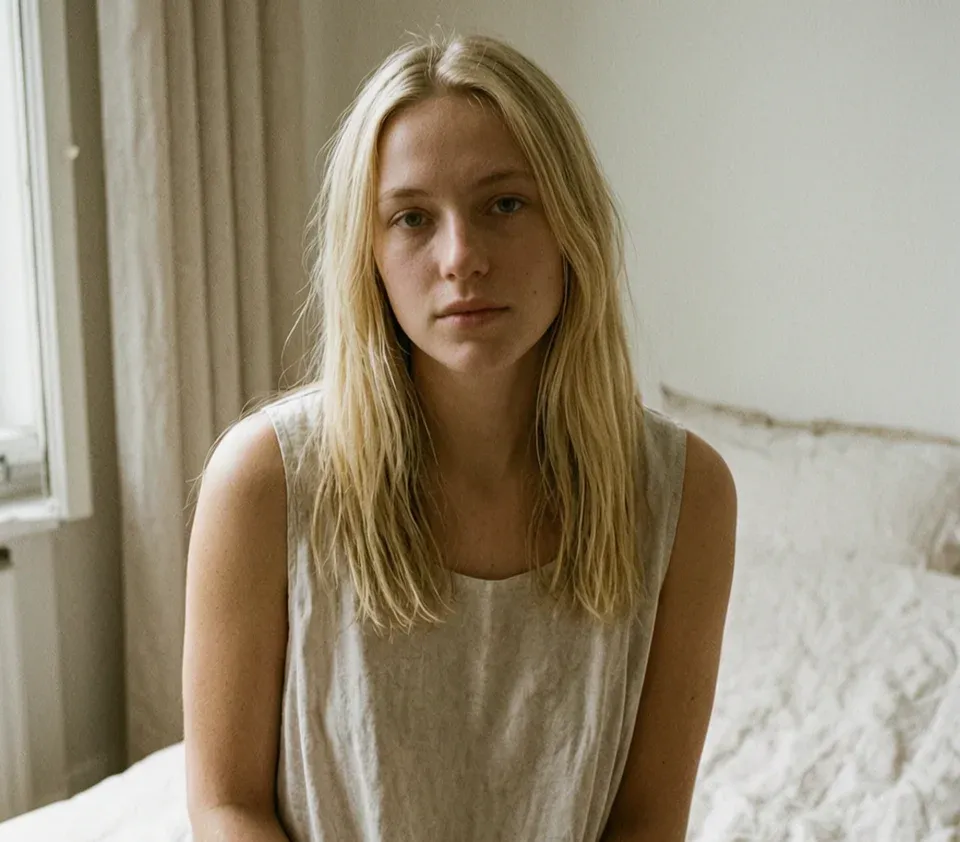
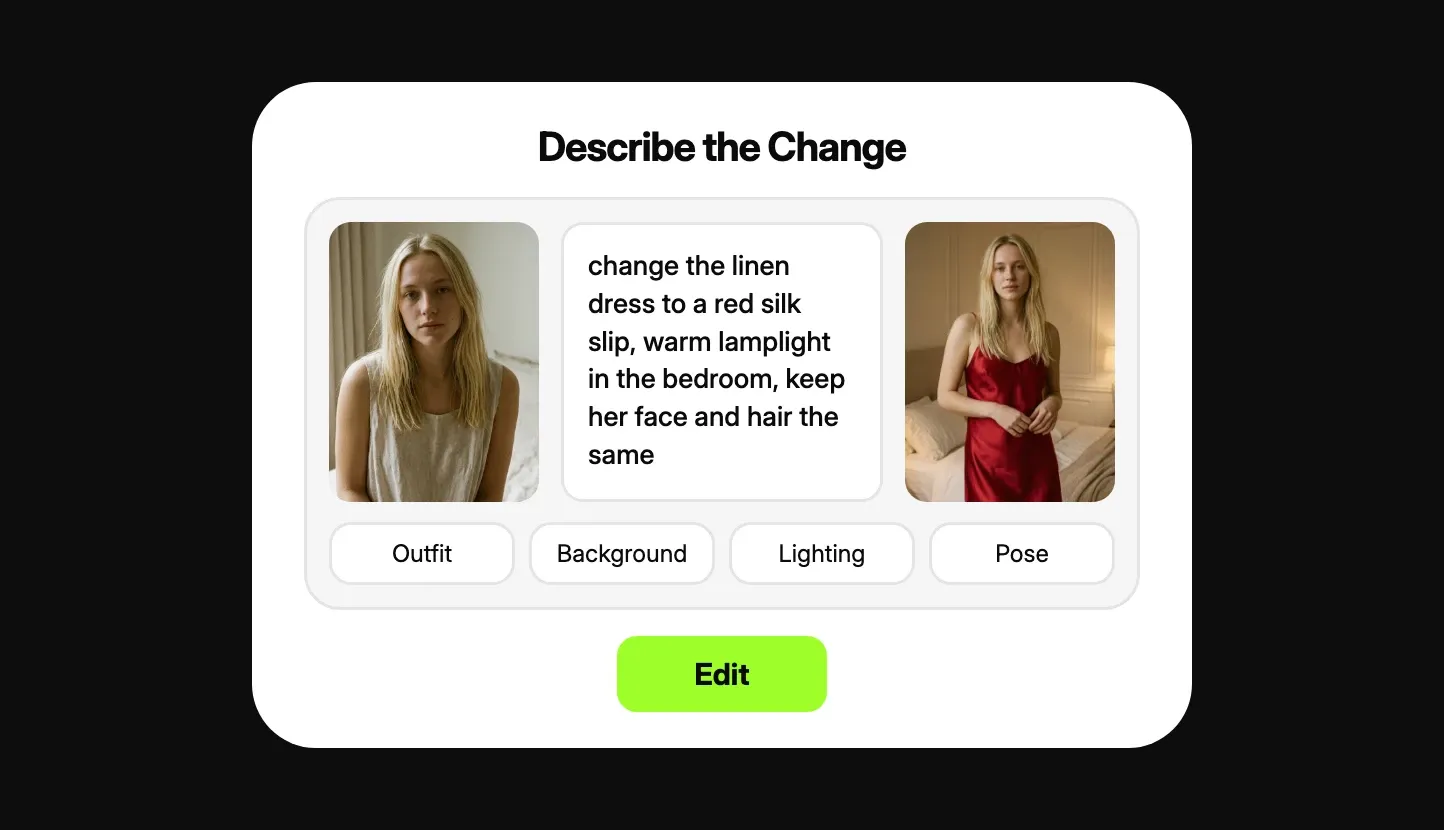
AI OnlyFan model in a linen dress, generated in AI Fans Creator
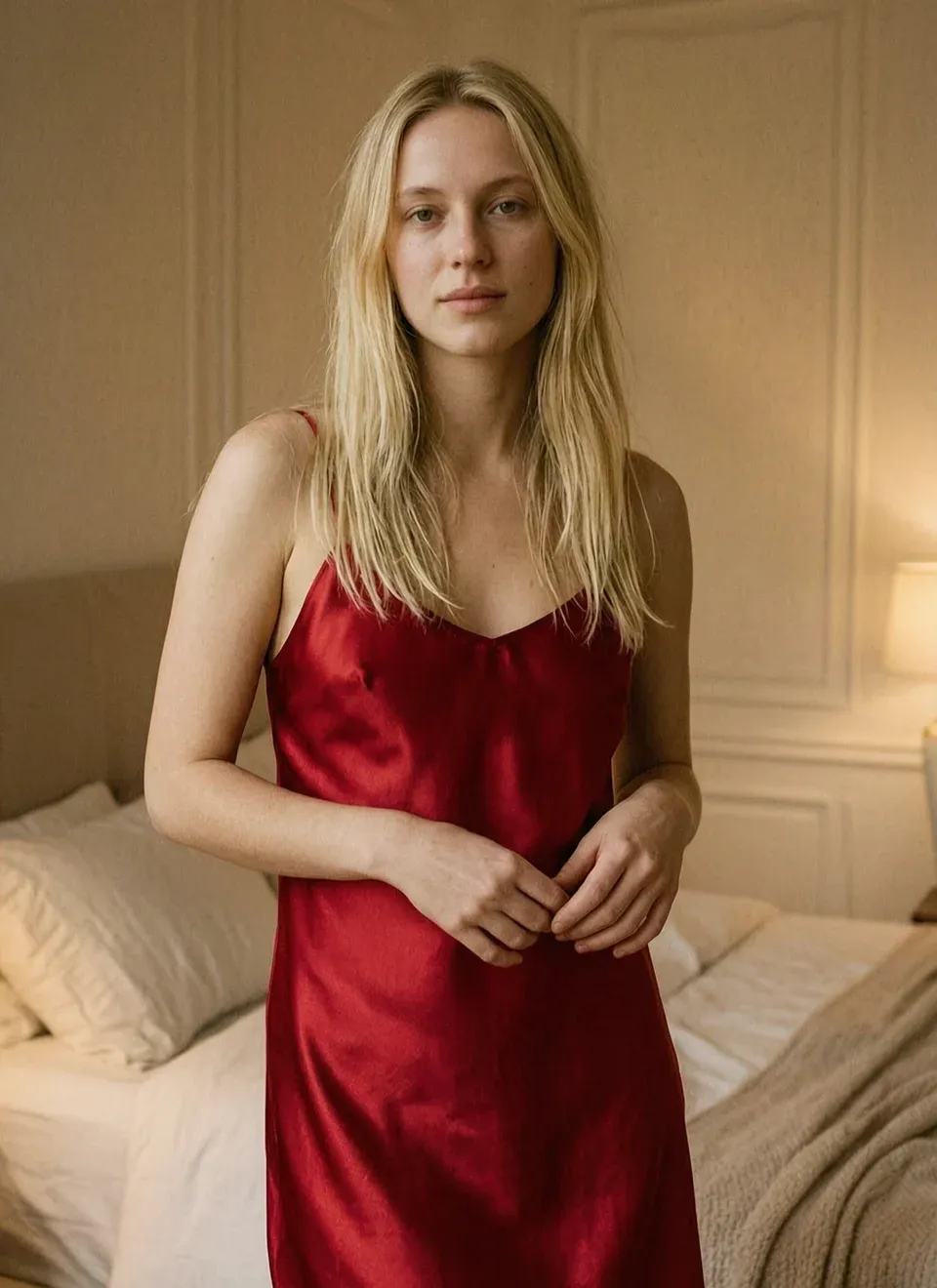
the same AI OnlyFan model in a red slip under lamplight, made with AI FansCreator
Face and bodyYour references

Consistent AI OnlyFans model

Built on
  • Wan Wan 3.0Wan 2.7
  • ByteDanceSeedance 2.5Seedream 5.0
  • QwenQwen-Image 3.0Qwen-Image 2.1
  • Z-Image Z-Image

How to Make an AI OnlyFans

How to make an AI OnlyFans takes four steps, and every AI OnlyFans creator follows them, whether you start from your own @handle or from nothing.

New CreatorExisting Creator

For existing creators

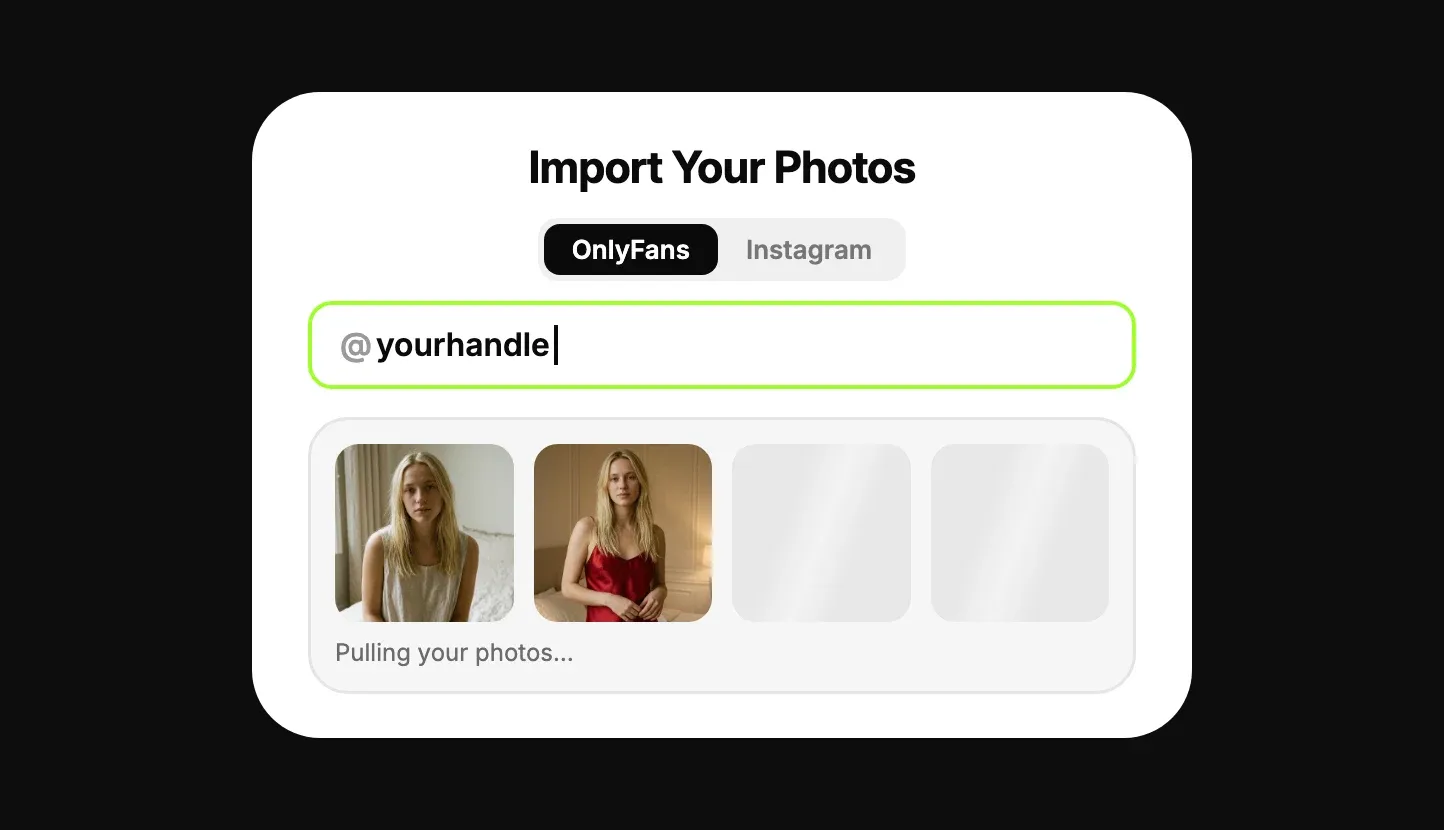
platform @handle entered in AI Fans Creator, the OnlyFans AI creator for an AI OnlyFan page
Step 1

Drop In Your Platform @Handle

Type in your platform @handle and the AI OnlyFans model generator learns your face, body and style, so every new image and video looks like you.

See supported platforms →
loading screen while AI FansCreator (fanscreator.ai) gets ready to create AI OnlyFans content
Step 2

We Scan Your Content

Our software instantly analyzes the photos from your profile, so there is nothing to upload by hand.

For new creators

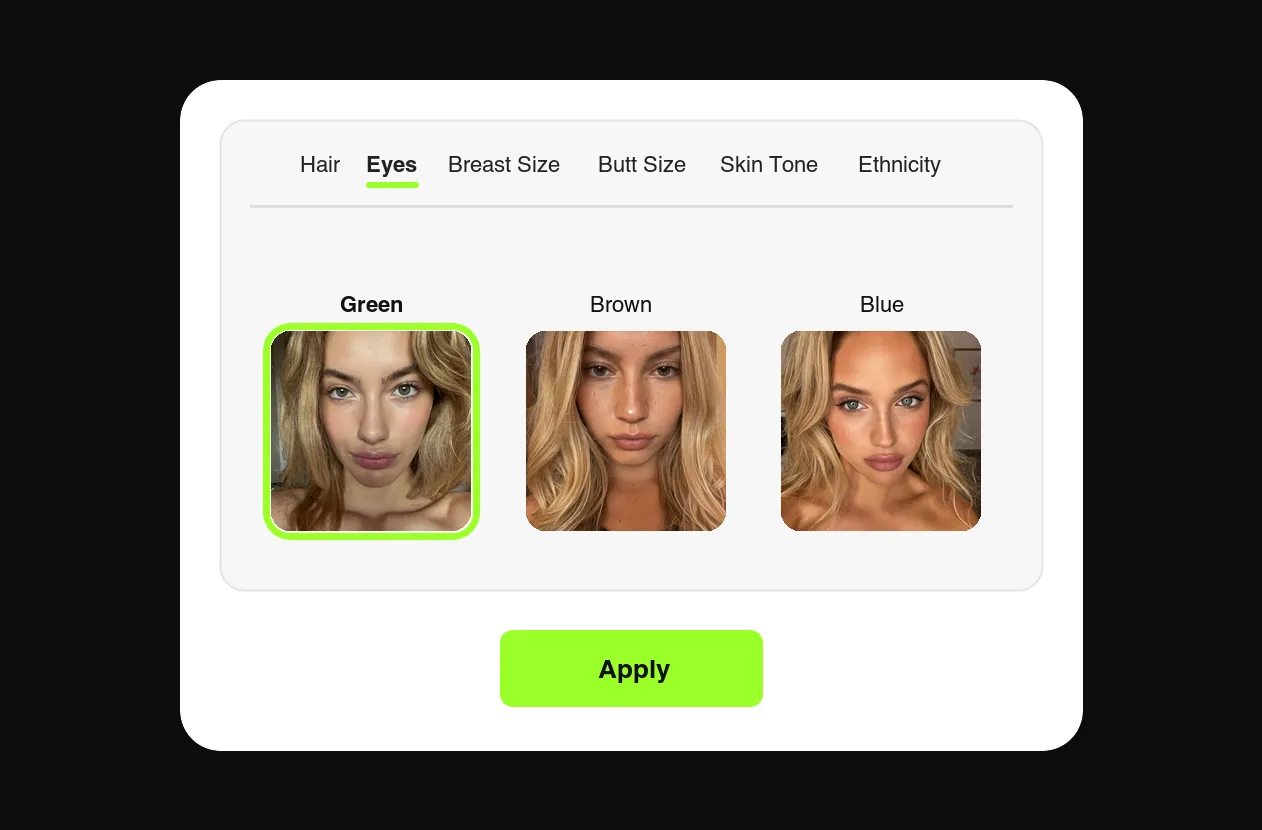
AI OnlyFans model generator customization screen in Fans Creator for an AI OnlyFan model
Step 1

Create your AI creator in seconds

Design a persona in the AI OnlyFans model generator, from hair, eyes and breast size to body composition, ethnicity and skin tone.

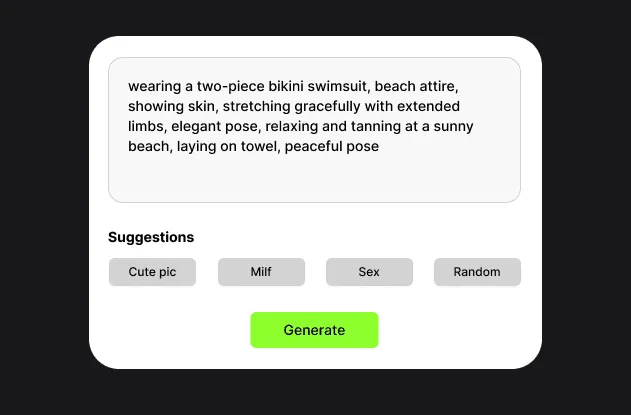
AI Fans Creator OnlyFans AI generator prompt input with suggestion buttons
Step 2

Prompt Away

Create AI OnlyFans content from one line, or tap a suggestion prompt. The OnlyFans AI generator keeps every frame on-model.

For all creators

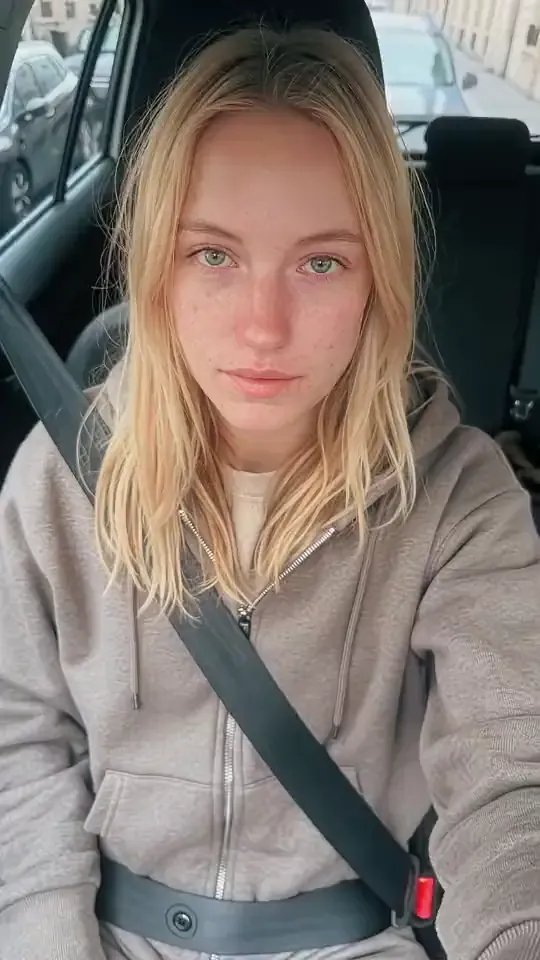
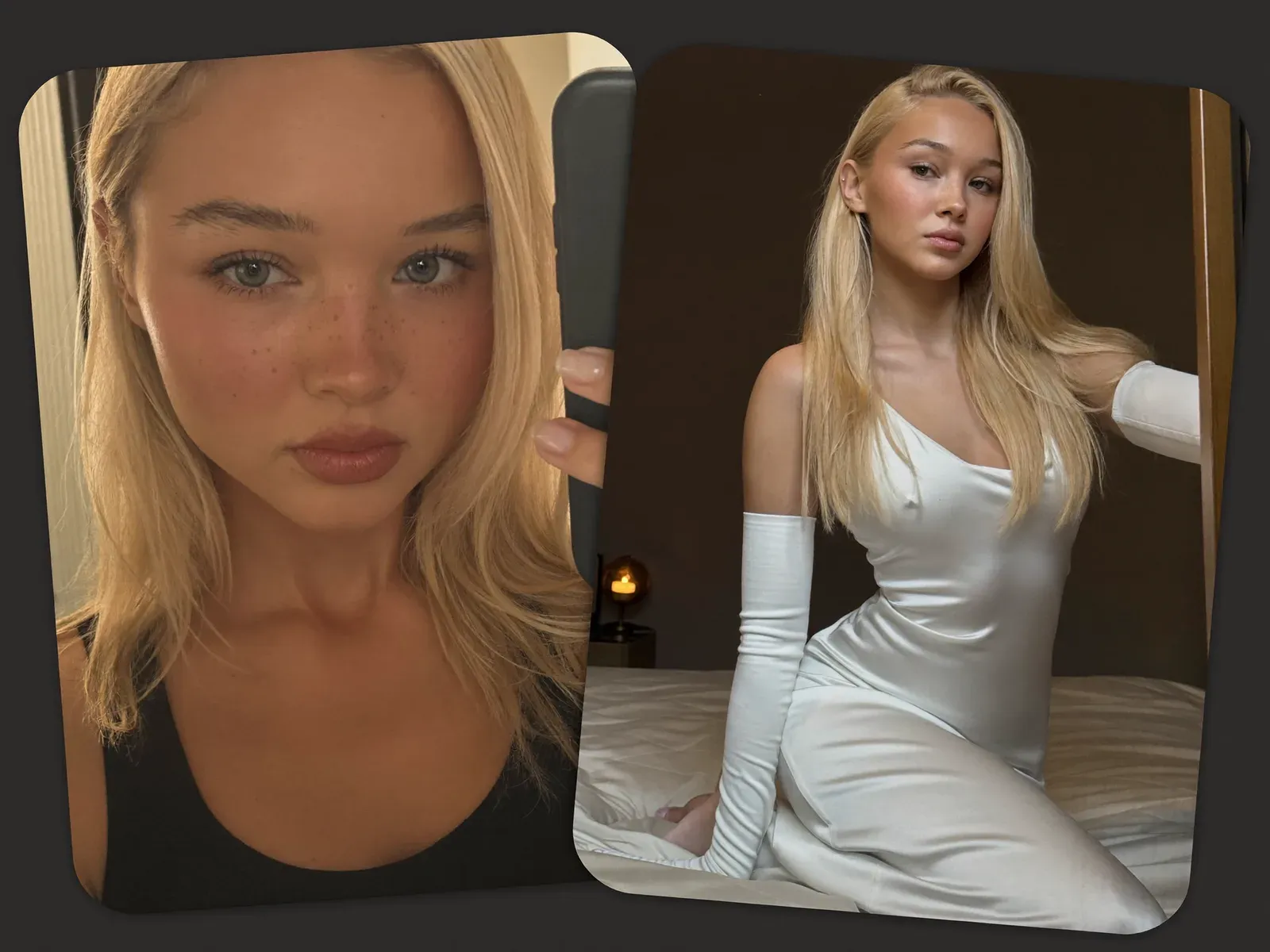
two images of an AI generated OnlyFans girl, realistic AI OnlyFans content made in AI FansCreator
Step 3

Boom — You Get New AI Images & Videos, yes NSFW included!

Realistic AI OnlyFans content and AI generated OnlyFans videos for full posts or custom requests. Perfect for the modern AI OnlyFans model looking to scale with style.

Posting on OnlyFans? AI content of you needs an #ai label. A wholly fictional AI generated OnlyFans girl belongs on Fanvue or MYM. Read the rules.

Everything You Can Create

Images, video, face swap and viral presets in one studio, plus the same tools inside your AI assistant.

AI FansCreator OnlyFans AI tools edit panel turning a picture of the creator into a new outfit and scene
AI Image Generation

An AI Image Generator That Keeps Your Creator's Face

Describe the shot and FansCreator renders it on the newest models: Wan 2.7, Seedream 5.0, Z-Image and Qwen-Image. Every image is built from your creator's reference photos, so the face and body match from one set to the next, from suggestive to fully explicit. It is the OnlyFans AI generator for realistic AI OnlyFans content.

  • Edit any image by describing the change
  • Carousel sets with the same styling and lighting
  • Upscale stills to 2K or 4K
See the NSFW AI image generator →
still from an AI generated OnlyFans video of the creator, made with Fans Creator for an AI OnlyFan account
AI Video Generation

An AI Video Generator With Sound, Up to 30 Seconds

Animate one of your images or write the scene from scratch. Wan 3.0 makes clips from 2 to 30 seconds with audio, up to 4K, and keeps your creator's likeness from the first frame to the last. For longer pieces, plan a storyboard with one clip per scene. Every clip is AI generated OnlyFans video in your creator's likeness.

  • Text-to-video and image-to-video
  • Up to 4K resolution
  • Storyboard mode for multi-scene videos
See the NSFW AI video generator →
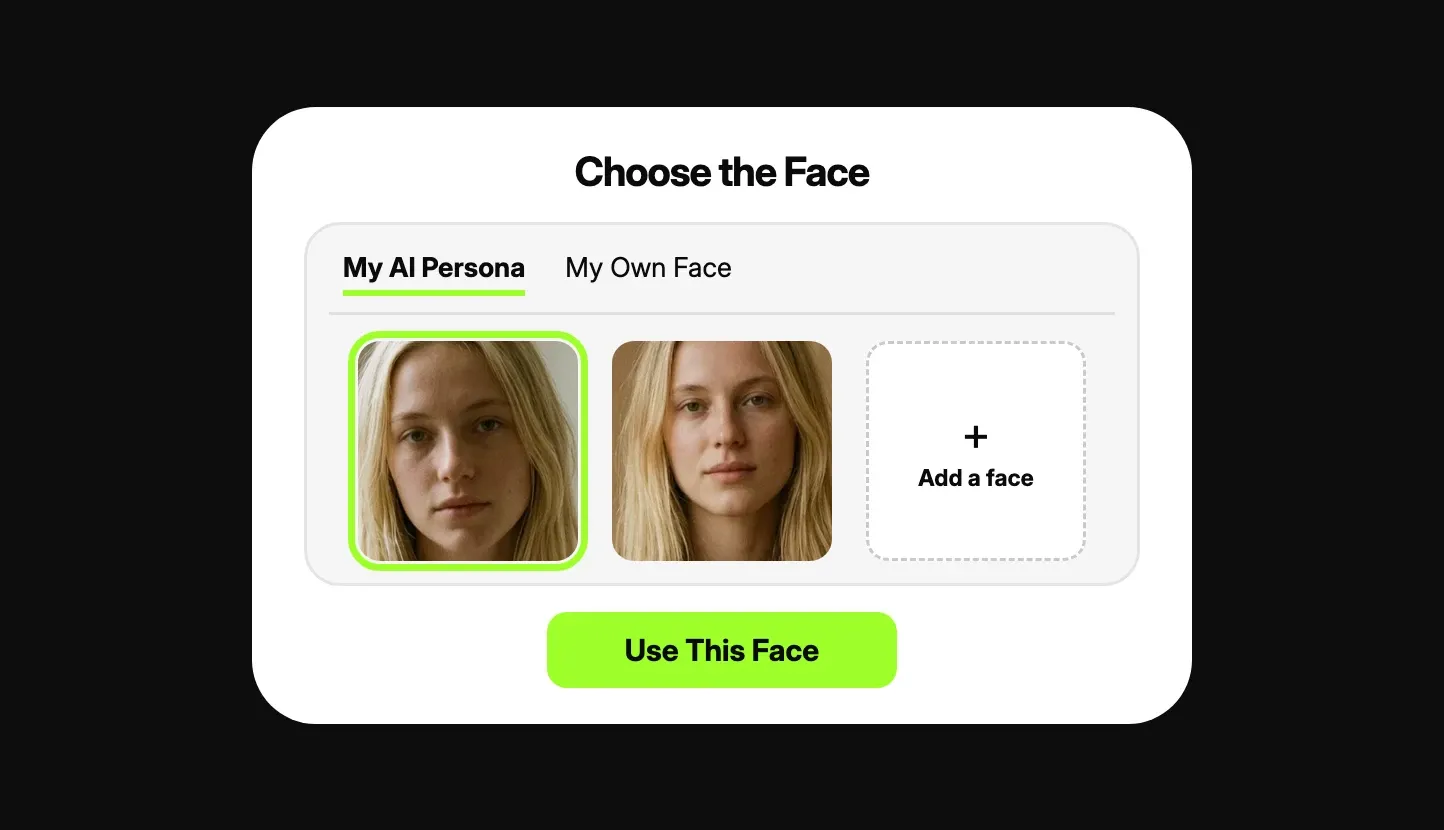
AI Fans Creator face picker with the AI persona's face selected
AI Face Swap

Face Swap Any Picture With Your Creator's Face

Upload a picture or pick one from your library, choose your creator and swap. Take only the face, or the face and the hair; the scene, the pose and the clothes stay as they are. It works on video too: see AI video face swap.

  • NSFW face swap, no refusals
  • Face only, or face and hair
  • Only faces you have the right to use
See AI face swap →
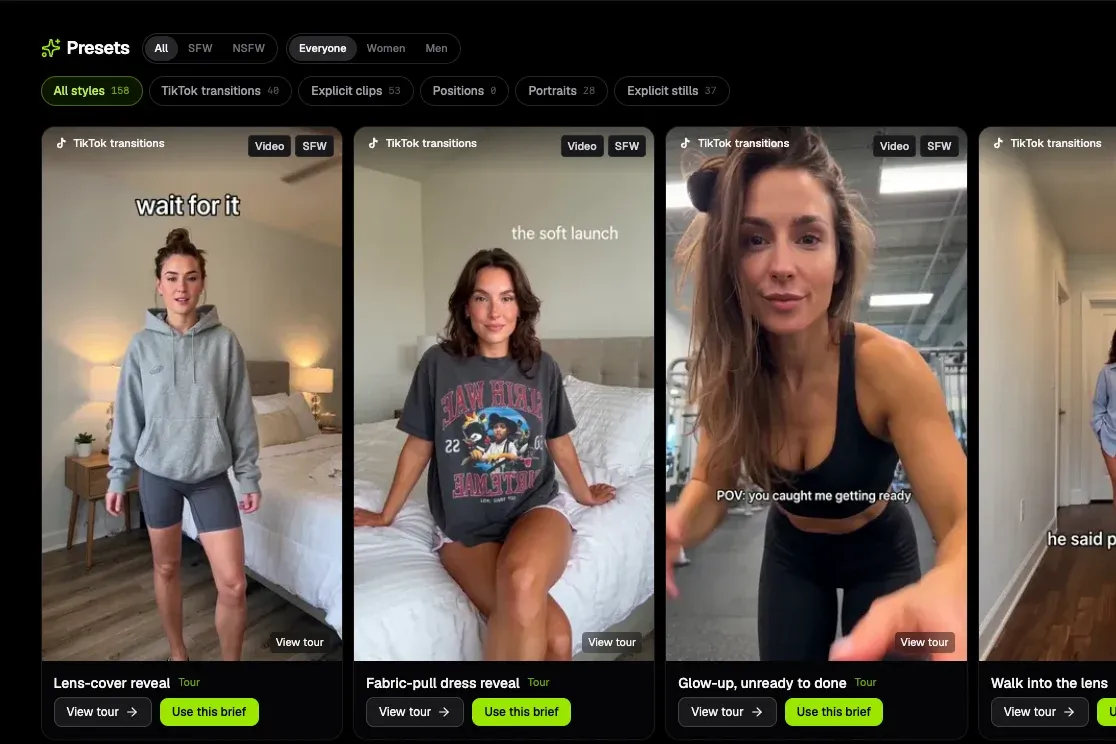
AI FansCreator presets library with TikTok transition presets and the style filters
Viral Presets

Viral Presets: From Trend to Post in One Click

Presets are ready-made shots based on what's trending right now. Pick one and the prompt is written for you; for a video, the length, resolution, aspect ratio, audio and camera move are set too. Presets come with every FansCreator plan, Starter included.

  • For images and video
  • TikTok transitions, portraits and explicit sets
  • Prompt and settings filled in for you
Try the presets free →
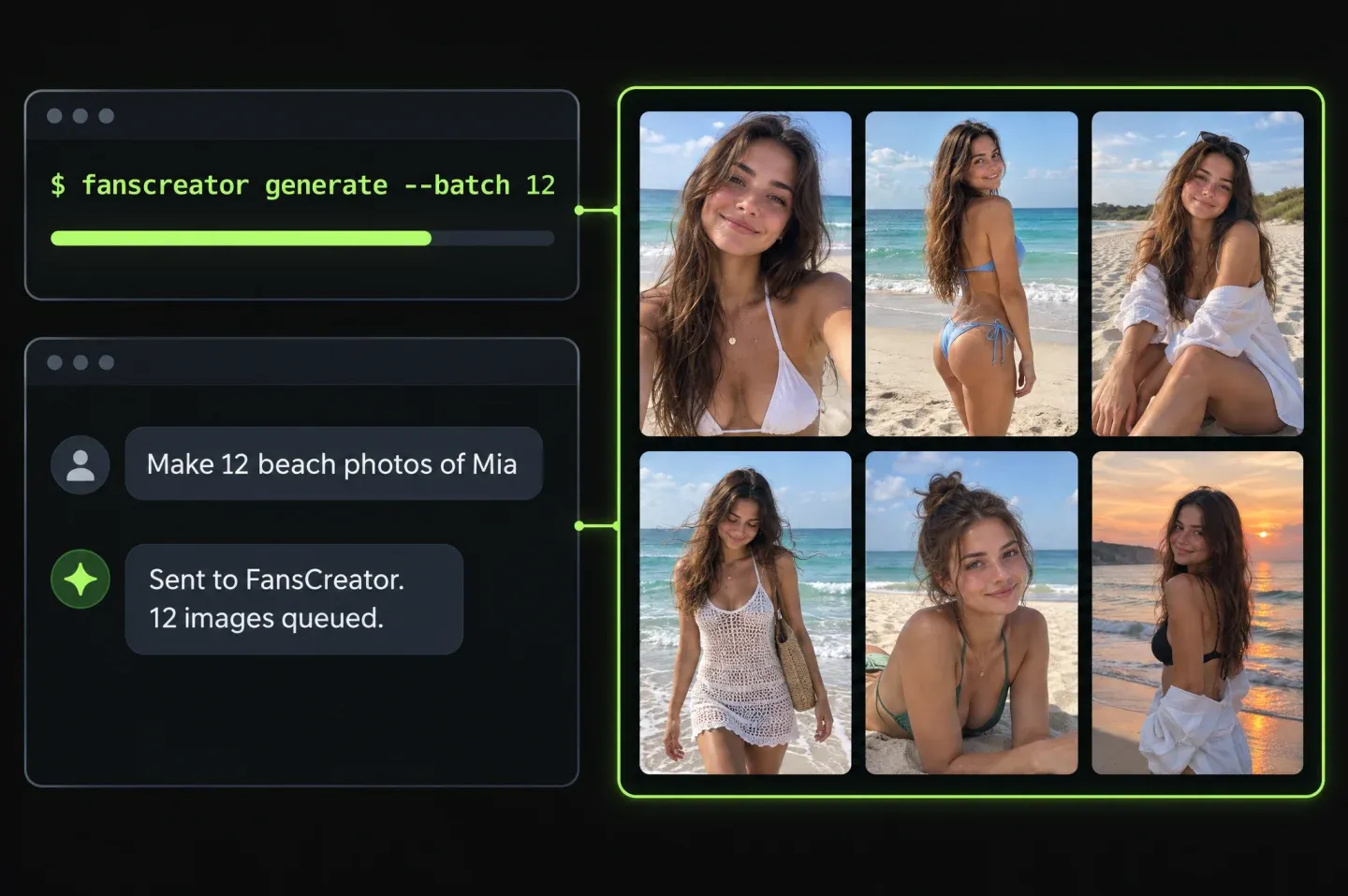
a terminal command and an AI assistant chat sending a batch of beach photos to fanscreator.ai
MCP, CLI & API

Use FansCreator From Claude, ChatGPT and Codex

Connect your AI assistant to FansCreator.ai through the MCP server, run jobs from the terminal with the CLI, or build on the API. Claude, ChatGPT and Codex draft the prompts, send the batches and fetch the downloads, while FansCreator does the generation.

  • MCP server for Claude and ChatGPT
  • CLI for Claude Code and Codex
  • API and agent skills
What MCP means for creators →

Trusted by 1000+ Top Creators

Join successful OnlyFans creators, AI OnlyFans creator teams and leading agencies who rely on FansCreator to maximize their earnings.

  • FansCreator.ai helped me finally start making real money on OnlyFans. I've never been great at marketing, but with their AI-generated content and captions, selling became way easier. I didn't have to deal with shady promo sellers or waste money testing stuff that doesn't work.

    Riley Blake, OnlyFans creator using AI Fans Creator
    Riley BlakeSolo Creator - Seller
  • We're genuinely blown away by what FansCreator.ai delivers. The AI-generated videos and images look studio-level, and the captions convert like crazy. It's like having a full creative team working 24/7 — but faster, more scalable, and way more cost-effective. Our creators love it, and so do we.

    Andrej Toth of Modexa Media, an AI FansCreator agency
    Andrej TothModexa Media
  • I used to spend hours setting up shoots just to get a few decent photos. Now I can generate content that actually fits my vibe in minutes. It doesn't replace everything, but it fills the gaps and keeps my feed consistent without all the stress.

    Sarah Mitchell, creator using Fans Creator
    Sarah MitchellCreator

All Features in One Place

You Stay in Control of Your AI OnlyFans

You download every image and video and post it yourself. As an AI OnlyFans creator, nothing goes live without you.

@Handle In, AI OnlyFans Content Out

Your platform @handle brings your photos in. Unlimited downloads formatted for OnlyFans, Instagram, TikTok and X.

24/7 Support for Every OnlyFans AI Creator

Round-the-clock support that ensures you always get what you need, fast.

All Your OnlyFans AI Tools in One Login

Image, video, face swap and presets sit in one FansCreator studio, so you never juggle five OnlyFans AI tools again.

An AI OnlyFans Model Generator That Learns Fast

Train your AI OnlyFans model in about 3 minutes from your @handle or a few references, then create AI OnlyFans content on demand, for yourself or for an AI generated OnlyFans girl on Fanvue.

Realistic AI OnlyFans Content, One Face

Every image keeps the same face and body, which is what makes realistic AI OnlyFans content sell. Create AI OnlyFans sets once and reuse the look.

Which one are you?

Built for Every AI OnlyFans Creator

The same OnlyFans AI tools and the same face lock, whether you are a single OnlyFans AI creator or fifty.

The solo AI OnlyFans creator

You still shoot, just not every day. As an AI OnlyFans creator you fill the gaps with sets of yourself, labeled #ai, and the page keeps posting on your days off.

  • Trained on your own @handle in about 3 minutes
  • Labeled #ai, the way OnlyFans allows it
  • No shoot, no editor, no retainer
Start for Free
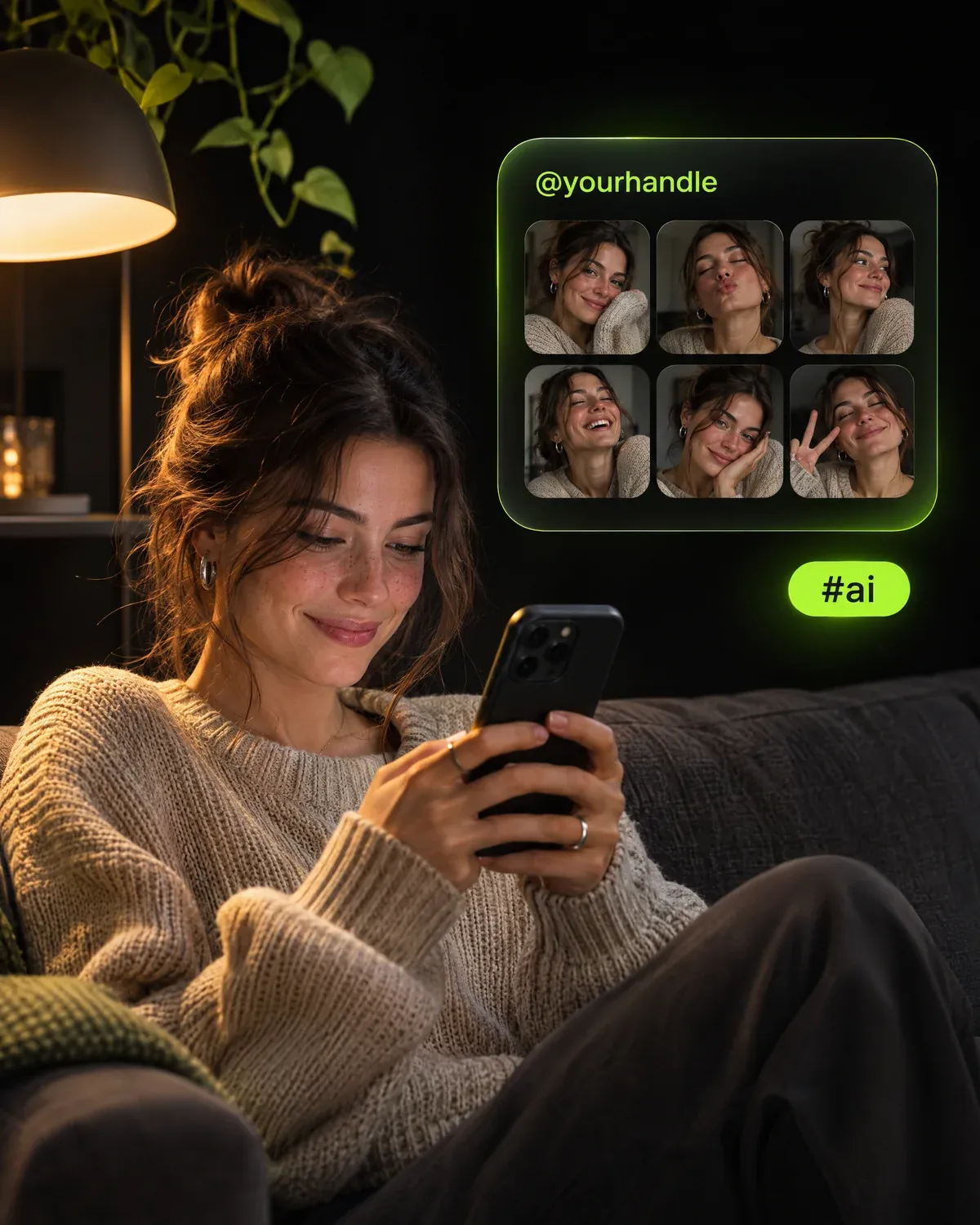
creator at home checking her AI OnlyFan page in AI Fans Creator, her own photos labeled #ai

The OnlyFans AI creator starting from zero

No photos yet? This is how to make an AI OnlyFans from scratch. Design a persona in the AI OnlyFans model generator and create AI OnlyFans posts from day one.

  • Pick hair, eyes, body and skin tone
  • The same face in every set
  • A wholly fictional AI generated OnlyFans girl launches on Fanvue or MYM
Design Your Model Free
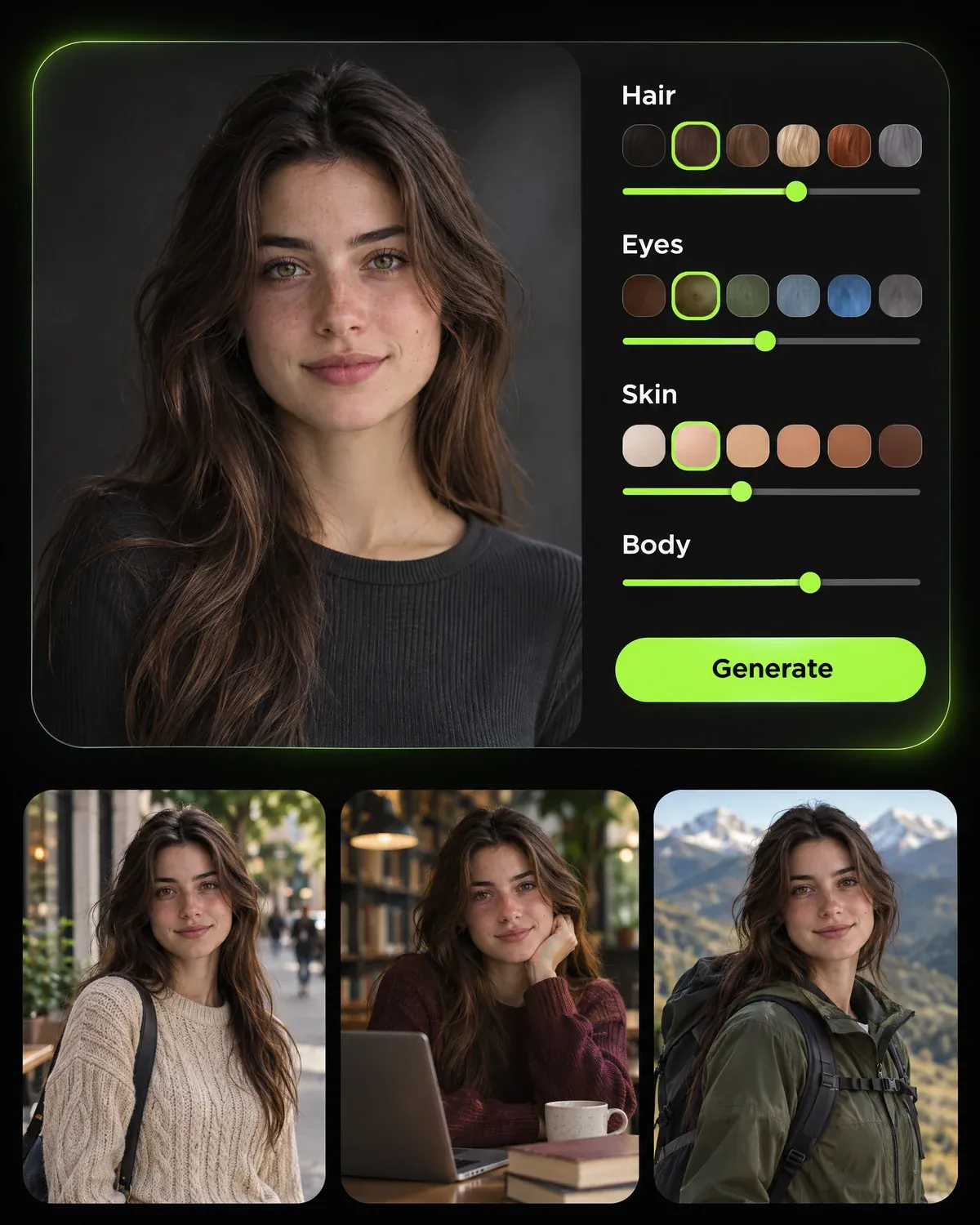
AI FansCreator character designer building an original AI OnlyFan model from hair, eyes, skin and body

The OFM agency

One FansCreator workspace for the roster. Every OnlyFans AI creator on the books gets a locked model, and the agency runs one OnlyFans AI generator instead of a tool per chatter.

  • A locked model for every creator
  • Team seats, shared presets and the same OnlyFans AI tools
  • Batch jobs through MCP and the CLI
Book a Call
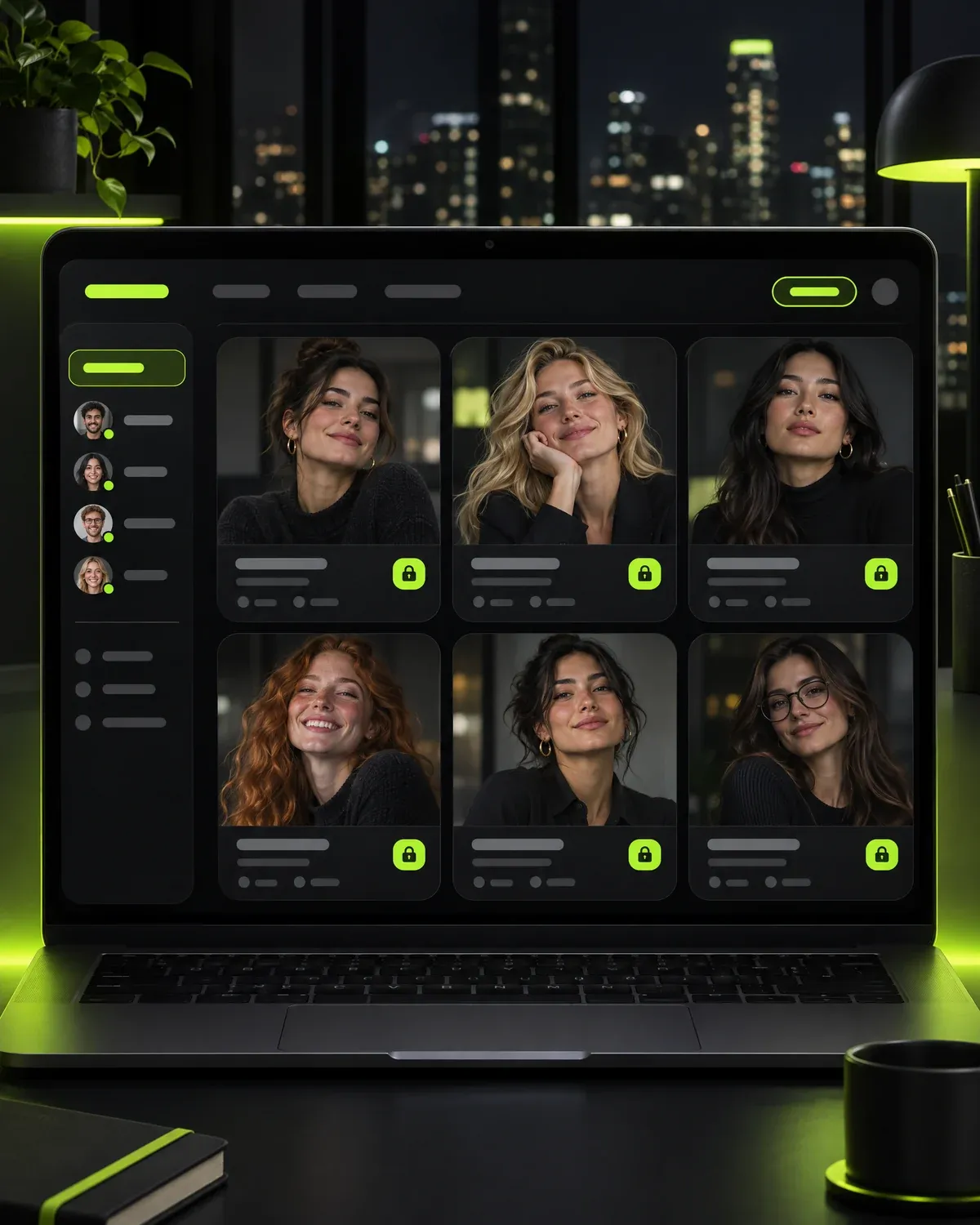
Fans Creator agency dashboard with a locked model for every AI OnlyFan creator on the roster

The developer

Build on FansCreator through the API, MCP server or CLI and wire the OnlyFans AI generator into your own tools.

  • MCP server for Claude and ChatGPT
  • CLI for Claude Code and Codex
  • API and agent skills
What MCP Means for Creators
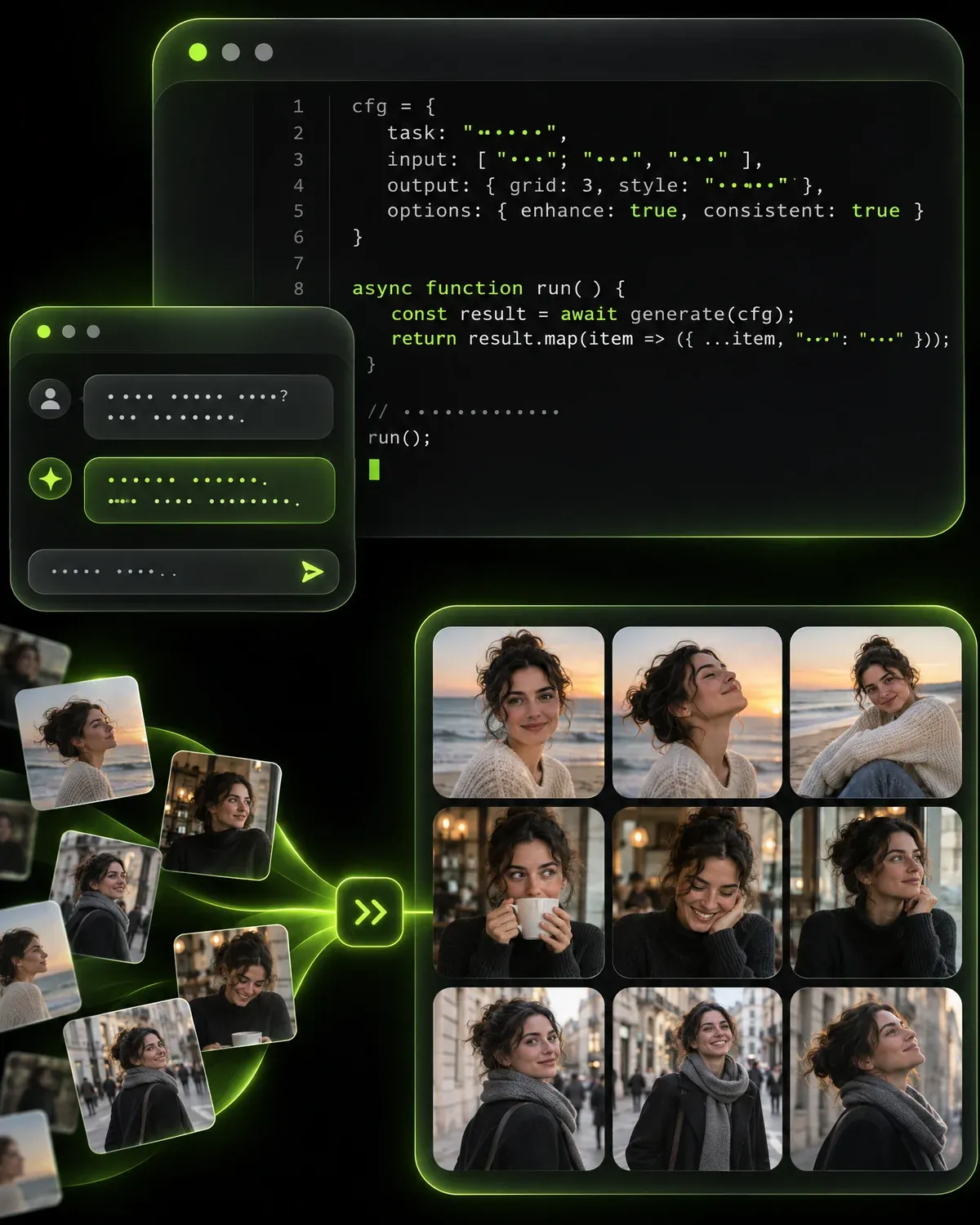
AI FansCreator API and MCP turning one prompt into a grid of AI OnlyFan photos

Why AI OnlyFans Creators Choose FansCreator.ai

Every AI OnlyFans creator hits the same wall with generic tools. Here is what changes.

Swipe to compare →

Generic AI image toolsFansCreator.ai
A new face in every imageOne face, locked to your references
Explicit prompts refused or blurredAn OnlyFans AI generator that renders the prompt
A good result on the twentieth tryRealistic AI OnlyFans content on the first prompt
A stack of OnlyFans AI tools that never talkImage, video, face swap and presets in one login
One account at a timeEvery OnlyFans AI creator on the roster in one workspace
Starting over for every personaOne AI OnlyFans model generator, one library per creator
Guessing how to make an AI OnlyFans that lastsOne model and a week of realistic AI OnlyFans content, then scale

Simple Pricing for Everyone

No photoshoots, no editors, no retainers — one flat price for all the content your creator needs. Start with one creator, scale to a full roster.

MonthlyYearly
  • Highest rated among GenAI creator platforms
  • Built on top image & video models
  • One click to create content

Starter

$29/mo or $290/yr

Save $58 a year vs monthly

  • 1 Creator
  • 300 Credits a Month— ~150 photos or ~6 videos (10 sec each)
  • Identity Preservation
  • — Low-res only
  • Unlimited Seedream
  • Download Low Resolution
  • Download Full Resolution
  • Optimize Content for Socials
  • Prompt Enhancement
  • Viral Presets
  • Speed of Processing— Slower
  • Priority Queue
  • Team Seats / Collaborators— 1
  • FansCreator API / MCP & CLI
  • Early Access to New Features
  • Custom Feature Requests
  • Support— Email & Telegram
  • Priority Support
  • Dedicated Support

Basic

$99/mo or $990/yr

Save $198 a year vs monthly

  • 5 Creators
  • 1,500 Credits a Month— ~750 photos or ~32 videos (10 sec each)
  • Identity Preservation
  • Unlimited Seedream
  • Download Low Resolution
  • Download Full Resolution
  • Optimize Content for Socials
  • Prompt Enhancement
  • Viral Presets
  • Speed of Processing— Standard
  • Priority Queue
  • Team Seats / Collaborators— 1
  • FansCreator API / MCP & CLI
  • Early Access to New Features
  • Custom Feature Requests
  • Support— Email & Telegram
  • Priority Support
  • Dedicated Support

Most Popular

Pro

$299/mo or $2990/yr

Save $598 a year vs monthly

  • Unlimited Creators
  • 5,000 Credits a Month— ~2,500 photos or ~108 videos (10 sec each)
  • Identity Preservation
  • Unlimited Seedream
  • Download Low Resolution
  • Download Full Resolution
  • Optimize Content for Socials
  • Prompt Enhancement
  • Viral Presets
  • Speed of Processing— Fast
  • Priority Queue
  • Team Seats / Collaborators— 5
  • FansCreator API / MCP & CLI
  • Early Access to New Features
  • Custom Feature Requests
  • Priority Support— Email & Telegram
  • Dedicated Support

Enterprise

Custom
  • Unlimited Creators & Seats
  • Unlimited Credits
  • Identity Preservation
  • AI Photo Generation
  • AI Video Generation
  • Unlimited Seedream
  • Download Low Resolution
  • Download Full Resolution
  • Optimize Content for Socials
  • Prompt Enhancement
  • Viral Presets
  • Speed of Processing— Priority
  • Priority Queue
  • Team Seats / Collaborators— Unlimited
  • FansCreator API / MCP & CLI
  • Early Access to New Features
  • Custom Feature Requests
  • Dedicated Support— Account manager on Telegram, WhatsApp or Slack

Top up anytime

Busy month? Add one-off credits that never expire and stack on your plan.

250 credits

$29$0.116 per credit

~125 photos or ~5 videos (10 sec each)

750 credits

$79$0.105 per credit

~375 photos or ~16 videos (10 sec each)

2,000 credits

Best value

$199$0.099 per credit

~1,000 photos or ~43 videos (10 sec each)

You confirm the card on the secure payment page. Every purchase gets an invoice.

Frequently Asked Questions

What is FansCreator?

FansCreator.ai is an AI studio for OnlyFans, Fanvue and MYM. You give it your @handle or design a persona, and it generates images and videos with the same face every time.

How to make an AI OnlyFans?

Create your model with the AI OnlyFans model generator, prompt a first set, animate the best shots and post them with an #ai label. That is how to make an AI OnlyFans of yourself. If you want to know how to make an AI OnlyFans for an original persona, post that persona on Fanvue or MYM instead, because OnlyFans removes wholly AI-made accounts.

Can I run an AI OnlyFans account with an AI generated OnlyFans girl?

Not on OnlyFans itself. An AI OnlyFans account must clearly feature you, the verified creator, and an AI generated OnlyFans girl who is wholly fictional gets removed there. Put the AI generated OnlyFans girl on Fanvue or MYM, which allow AI creators with a label, and keep your AI OnlyFans account for AI content of yourself.

Which OnlyFans AI tools are included?

All of them in one studio: the OnlyFans AI generator for images, video with sound up to 30 seconds, face swap, viral presets, captions and per-platform crops, plus MCP, CLI and API access. Every OnlyFans AI creator gets the same OnlyFans AI tools; plans differ in credits and seats, not in which OnlyFans AI tools you get.

Do I need to be technical to create AI OnlyFans content?

No. If you can write a sentence, you can create AI OnlyFans content here. Presets write the prompt for you, and the AI OnlyFans model generator sets up your model from a handle or a few clicks.

What makes realistic AI OnlyFans content?

Three things, the same face in every image, natural light and skin, and a believable setting. Most tools fail on the first one. FansCreator.ai builds every image from your references, which is why each AI OnlyFans creator here gets realistic AI OnlyFans content rather than one-off pictures.

Is AI generated OnlyFans content allowed?

AI generated OnlyFans content is allowed when it clearly features you, the verified creator, and carries #ai or #AIGenerated. A wholly fictional AI generated OnlyFans girl is not; she goes on Fanvue or MYM. Our OnlyFans AI content policy page quotes the clauses.

How to make an AI OnlyFans page fast?

The quickest route for how to make an AI OnlyFans page: connect your @handle, let the AI OnlyFans model generator train for about 3 minutes, then create AI OnlyFans sets from presets. Most creators post the same day.

How to make an AI OnlyFans look real?

Feed the model good references, keep one outfit and room per set, and ask for natural light. Realistic AI OnlyFans content comes from consistency more than resolution. FansCreator.ai handles the consistency, and any OnlyFans AI creator can learn the rest in a week. That is most of how to make an AI OnlyFans look real.

Is FansCreator.ai an OnlyFans AI generator or an editor?

Both. The OnlyFans AI generator makes new images and video, and the editor and face swap change pictures you already have. Every OnlyFans AI creator gets both in FansCreator.

Is FansCreator safe for my real account?

Yes. FansCreator never posts for you. You download and upload everything yourself, so nothing reaches your OnlyFans account without you. FansCreator also blocks real people without consent and anyone underage.

Can I make an AI generated OnlyFans girl look like a celebrity?

No. FansCreator blocks real people without their consent, celebrities and influencers included. An AI generated OnlyFans girl has to be an original persona, and so does any page built around her. Create AI OnlyFans personas from the traits in the AI OnlyFans model generator instead.

Does FansCreator work for an AI generated OnlyFans girl on Fanvue?

Yes. Fanvue and MYM allow AI creators with an AI label, so an AI generated OnlyFans girl you designed can post there. FansCreator keeps her face the same in every set and formats the downloads per platform. You make her sets the same way you would make your own.

Which OnlyFans AI tools do agencies use most?

Viral presets and batch generation. Agencies queue sets for every OnlyFans AI creator on the roster, and the MCP and CLI let an AI assistant drive the OnlyFans AI tools overnight.

How do credits work?

Every plan includes a monthly credit allowance, and each generation spends credits from it. Credits are drawn from your plan allowance first, then from any top-up credits you have bought.

How many photos and videos do my credits buy?

It depends on the model, the resolution and, for video, the length. A photo of a new AI avatar costs 2 credits (Wan 2.7 Pro at 2K), and a photo from your creator's own model costs 4. Other photo models: Wan 2.7 and Z-Image cost 1 credit a photo, and Seedream 5 costs 2 at 2K and 5 at 4K (unlimited on Pro and Enterprise). Video is priced per second of output. Wan 3.0 costs about 2.3 credits a second at 480p, 4.5 at 720p and 9 at 1080p, so a 10-second 720p video is 46 credits. Seedance 2.5 costs about 1.4 credits a second at 480p, 3.2 at 720p, 6.8 at 1080p and 13.6 at 2K. The exact price is shown before you confirm every generation.

Is my subscription automatically renewed?

Yes. Monthly plans renew every month and yearly plans every year, and your credit allowance is granted fresh at the start of each period. You can cancel anytime, and you keep your credits until the paid period ends.

Can I change my plan after I subscribe?

Yes. Upgrade at any time and the difference is prorated, with the extra credits added straight to your balance. Downgrades take effect at the start of your next billing period.

How can I purchase extra credits?

Pick a top-up pack from the pricing section above. Top-ups are one-off purchases that stack on top of your plan, and every purchase comes with an invoice.

What happens to unused credits?

A plan's monthly allowance does not roll over - it is there to be used that period. Credits bought as a top-up are different: they never expire, however long they sit unused.

Ready to Launch Your AI-Powered OnlyFans?

Generate content you didn't think was possible - in seconds with the smartest OnlyFans AI generator built for every AI OnlyFans creator.

Start for Free